Articles Visibility Decisions
8 minute read
Before You Spend on Ads, Make Your Business Easier to Recognize
A customer-centered cleanup for owners who want searchers, neighbors, and answer systems to understand the business before the ad budget starts moving.
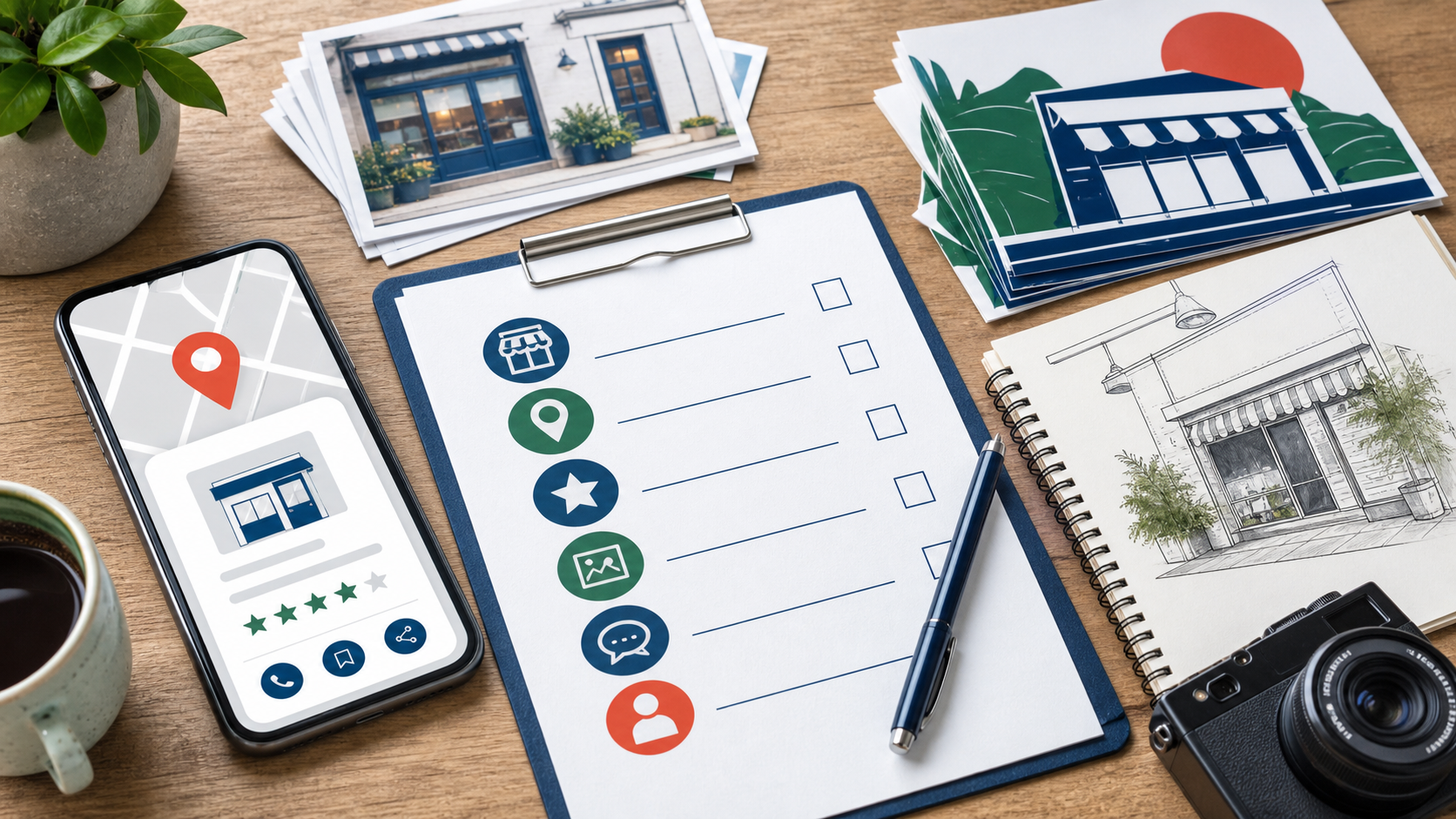
Ads can put a business in front of more people, but they cannot fix confusion. If a customer sees one service area on your website, different hours on a map profile, old photos on a neighborhood app, and a vague description everywhere else, the ad is paying to send people into doubt.
Recognition is the quiet layer underneath marketing. It is the collection of facts, examples, photos, categories, and proof that helps someone say, "Yes, this looks like the right business for my situation." Owners usually have more control over that layer than they think.
Begin with the customer's moment of comparison
A person comparing local businesses is rarely reading like a marketer. They are checking basics: whether you serve their location, whether you solve their specific problem, whether you look current, whether other customers sound real, and whether the next step is obvious.
The SBA's marketing and sales guidance starts from understanding customers and the market, which is the right order. Before choosing a promotion, write down the three situations customers are most often in when they call. Then check whether your public presence speaks to those situations without making people work for it.
Clean up the facts that travel
Your business facts travel farther than your website. They appear in map apps, directories, voice assistants, social platforms, customer screenshots, and answer systems. That makes consistency less glamorous than ads, but more important than most owners want it to be.
Start with the surfaces customers already use. If many of your customers carry iPhones, claim and update the business through Apple Business. If neighborhood recommendations matter, complete the basics on Nextdoor's small business platform. If people use Microsoft surfaces at work or home, make time for Bing Places and related webmaster tools. None of these should replace your website. They help the rest of the web describe you accurately.
Recognition facts to verify
- Business name, phone number, website, hours, and holiday hours.
- Service area, parking or visit details, and appointment rules.
- Primary categories and secondary services.
- Current exterior, interior, team, product, or work-example photos.
- A short description that names the customer, service, and geography.
Make the website sound like the customer
A website can be technically tidy and still fail a customer. The common problem is not bad grammar. It is copy that names services the way the business talks internally instead of the way customers describe the problem.
Review your calls, emails, estimates, and intake forms. Pull phrases customers actually use. A plumber might hear "water heater not staying hot" more often than "tankless water heater diagnostics." A clinic might hear "same week appointment" more than "patient access." Use the professional term where it matters, but pair it with the customer's language so the page is easier to understand and easier to match to real questions.
Use photos as evidence, not decoration
Good photos reduce uncertainty. A storefront photo helps people find you. A service vehicle photo helps them recognize who arrived. A real work example helps them understand fit. A team photo helps them decide whether the business feels approachable.
Photos also help when they are described well. The W3C Web Accessibility Initiative explains accessibility as access for people with diverse needs, but owners can treat it as a customer clarity discipline too. Useful alt text and captions make images more understandable for people and for systems that need context.
Do this this week
- Search your business name and write down every profile a customer is likely to see.
- Correct hours, phone number, website, categories, and service area on the top three profiles.
- Add two current photos that help a customer recognize the place, product, team, or work.
- Rewrite the first paragraph on your main service page using one customer phrase from a real conversation.
- List five questions customers ask before buying and make sure at least three are answered on your site.
- Set a monthly calendar reminder to check hours, offers, and profile photos.
When ads make more sense
Ads are useful when the basics are already clear and the business can handle the response. They are wasteful when every click has to overcome missing facts, weak proof, or stale profiles. If you make the business easier to recognize first, the later campaign has a better job: amplify clarity instead of paying to compensate for confusion.